
Set supplementary heading amounts
Link a supplementary bill, such as a one-time repair levy, to a member and set the amounts for its headings.
Before you start
What this page does
A supplementary bill is a separate bill for a one-time or occasional charge, such as a major repair levy. It has its own headings and is billed outside the regular maintenance cycle. This tab, Supplementary Bill Headings, links supplementary bills to a member and shows the amounts they will pay.
Where to find it
Open a member from Society Management > Members and go to the third tab, Supplementary Bill Headings (tab 03). From the Bill Headings tab you can also press Next.
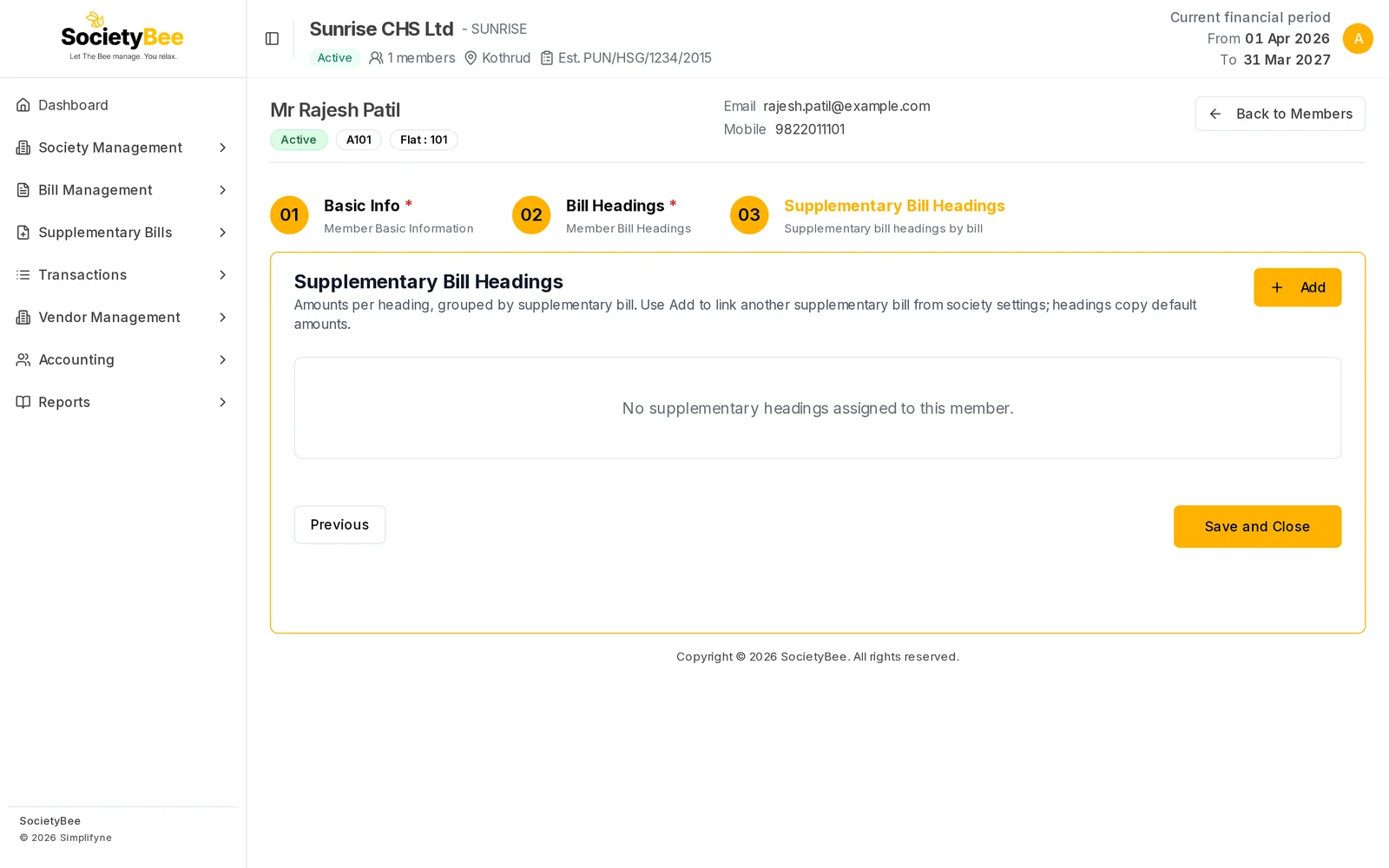
Link a supplementary bill to a member
Create the supplementary bill first
Supplementary bills and their headings are created under the Supplementary Bills menu. This page only links an existing one to a member.
Press Add
The Assign supplementary bill dialog opens. It lists supplementary bills that are not yet linked to this member.
Select the bill and press Assign
All headings of that bill are added to the member with the default amounts from the society's supplementary settings.
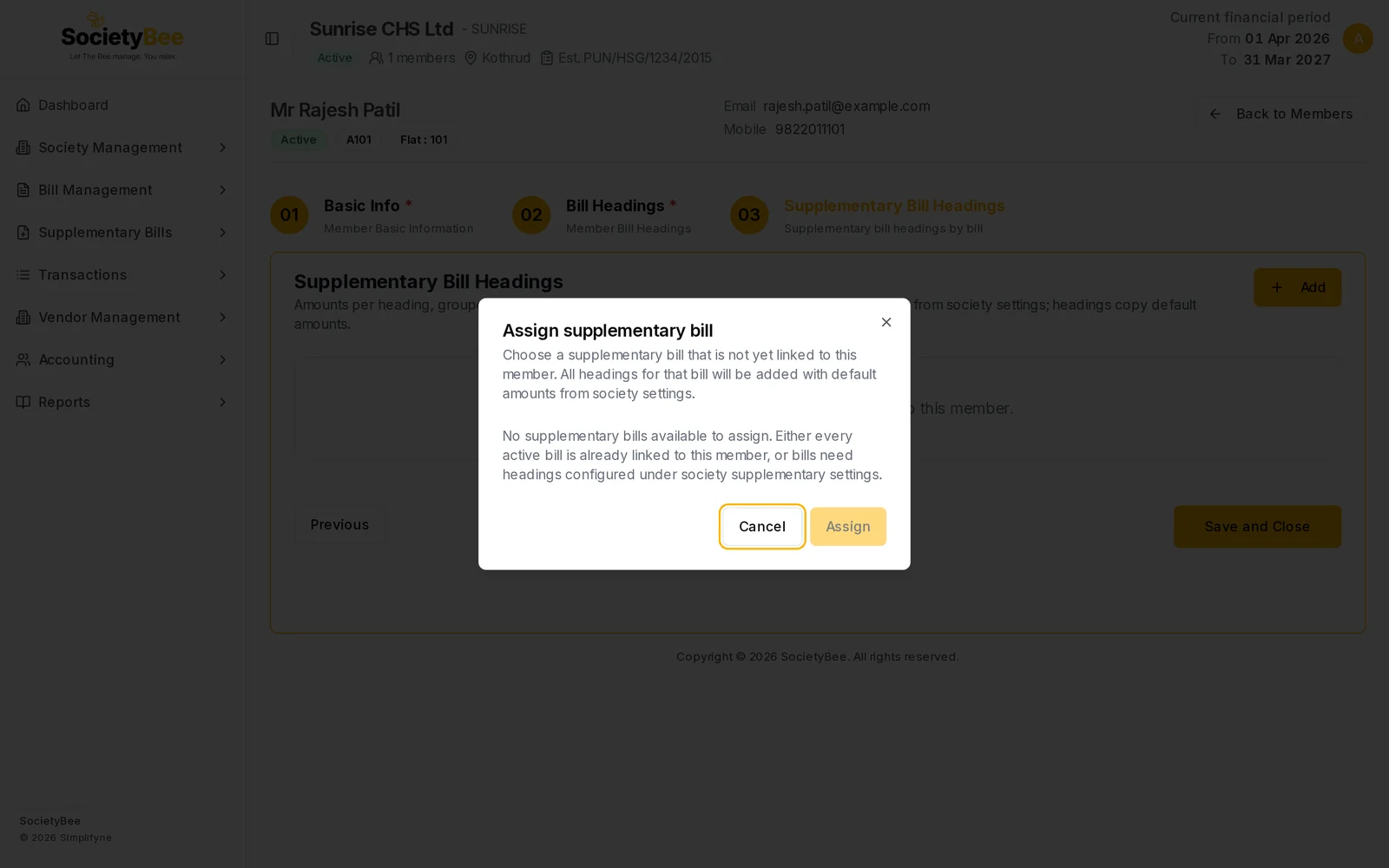
If no supplementary bill exists yet, the dialog says none are available. Adjust the amounts
Each linked bill appears as its own block with a title, a table of headings and a Total. Change Current Amount or Next Amount exactly as on the Bill Headings tab. Amounts save as you type, and the bin removes a heading.
Finish
Press Save and Close to return to the member list. Previous goes back to Bill Headings.
Fields and buttons
| Field or button | What it means |
|---|---|
| Add | Open the dialog to link a supplementary bill |
| Assign | Link the chosen bill and copy its headings |
| Current Amount, Next Amount | The member's amount for each heading. Saves as you type. |
| Bin | Remove a heading from this member |
| Total | Sum of the Current Amounts of that supplementary bill |
| Previous / Save and Close | Navigation |
Common mistakes and questions
The dialog says no supplementary bills are available. Either every active supplementary bill is already linked to this member, or no bill has headings yet. Create the bill and its headings under Supplementary Bills first.
Do I need this tab for ordinary maintenance bills? No. Ordinary charges are on the Bill Headings tab. Leave this tab empty if the member has no supplementary bills.
What happens next
Press Save and Close. Add the rest of your members, one by one or with an Excel upload.